Ray Pauly Photo
A photographer's portfolio, untouched for years, rebuilt as a modern gallery he keeps current himself.

Client challenge
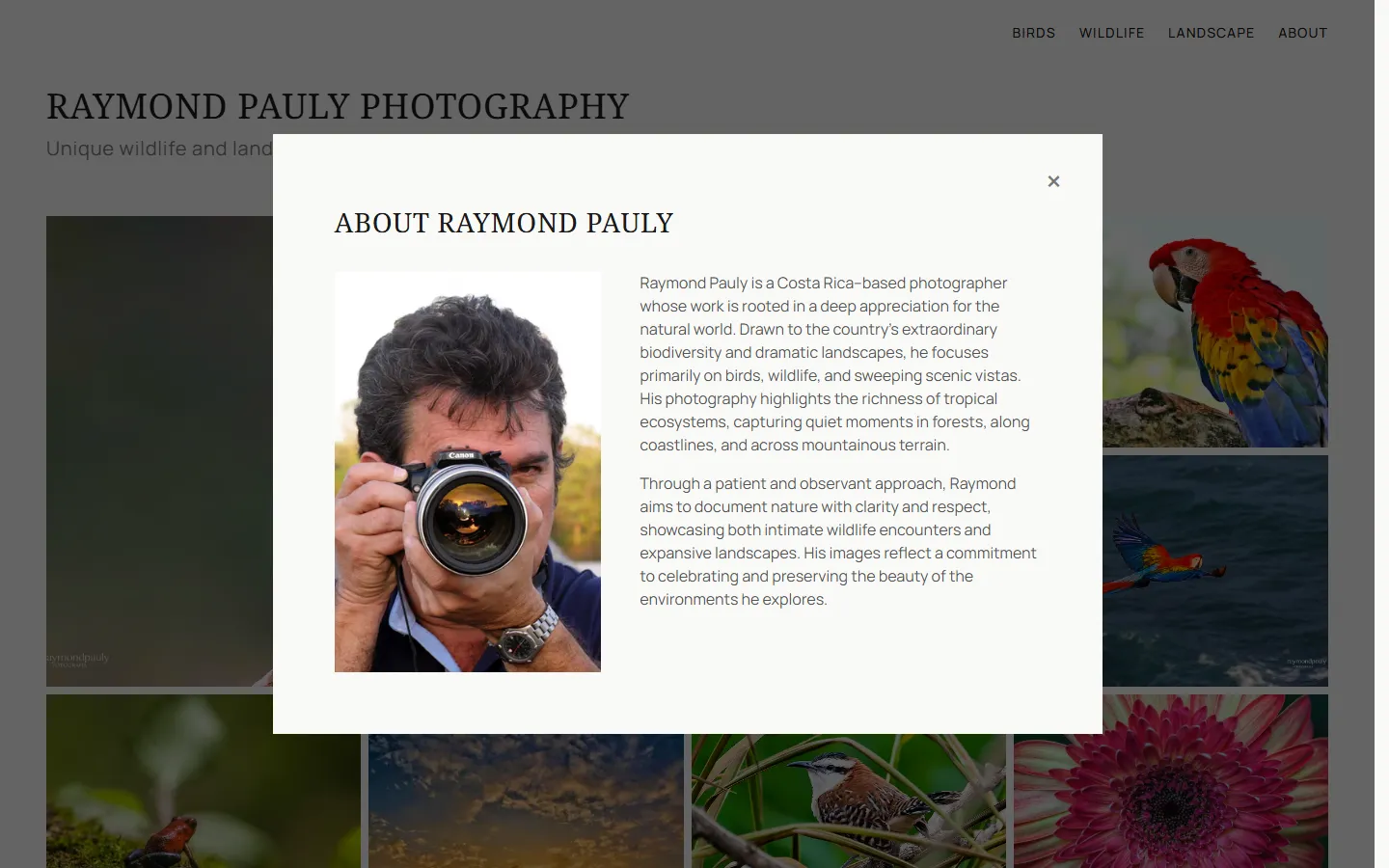
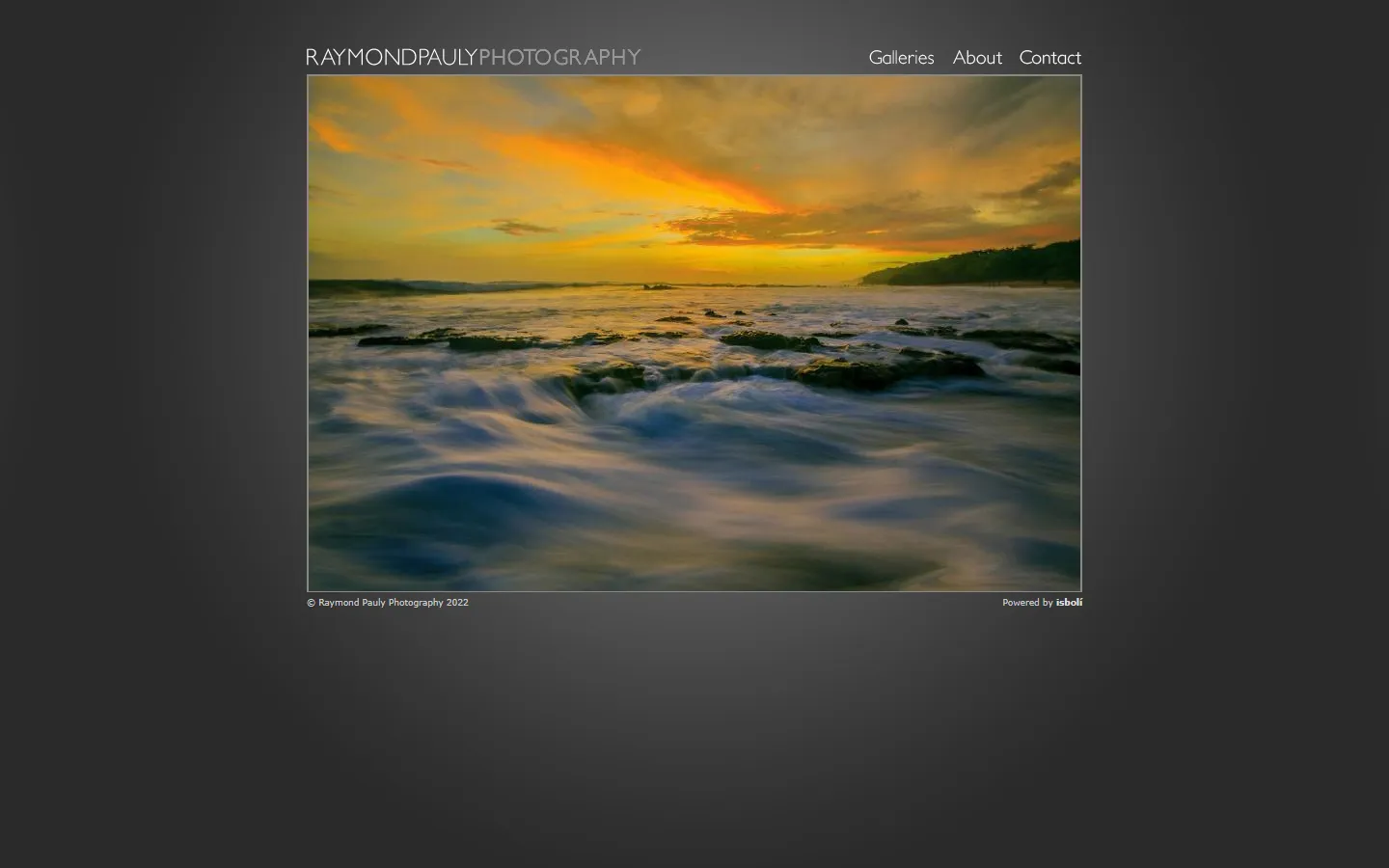
Raymond Pauly is a photographer in Costa Rica. His site was built for him in 2009, in custom PHP, and nothing about it had changed since. It showed small images that did not scale up on larger displays. The design around them dated the work by more than a decade.
The site came with its own management system. It sat unattended for so long that a PHP upgrade broke the code and he could no longer edit anything.

Our strategic approach
We wanted a site that looks modern and puts the photos first, showing them as large and as sharp as a visitor's screen allows. Nothing came across from the old one: the albums, the categories and the photos in them were all chosen again from scratch.
We looked at other photographers' portfolios together, and at how portals like Pixieset and SmugMug present a body of work, and took the structure from there.
Ray also had to get back the ability to publish his own work, so the site would keep growing after we handed it over.
Solution
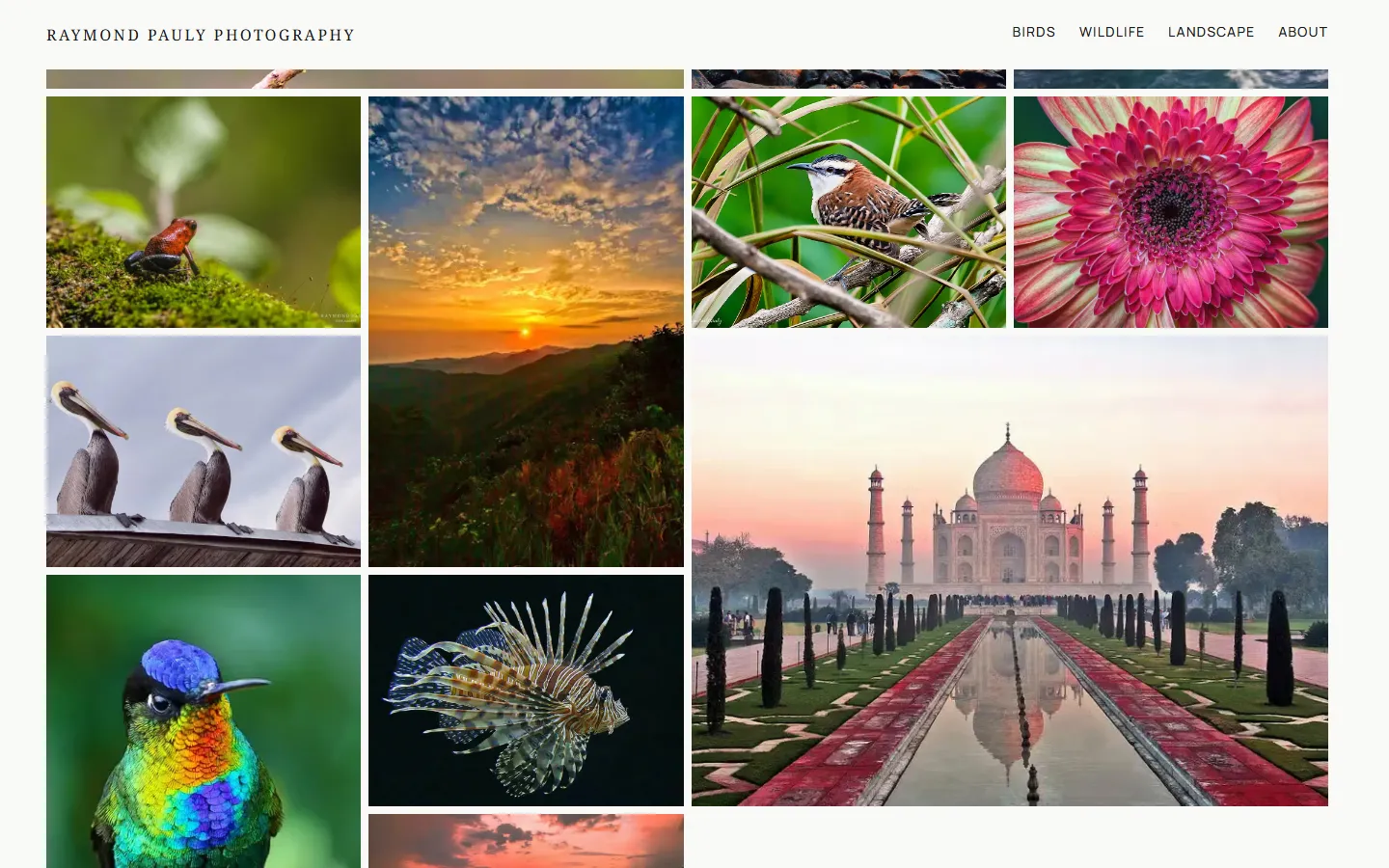
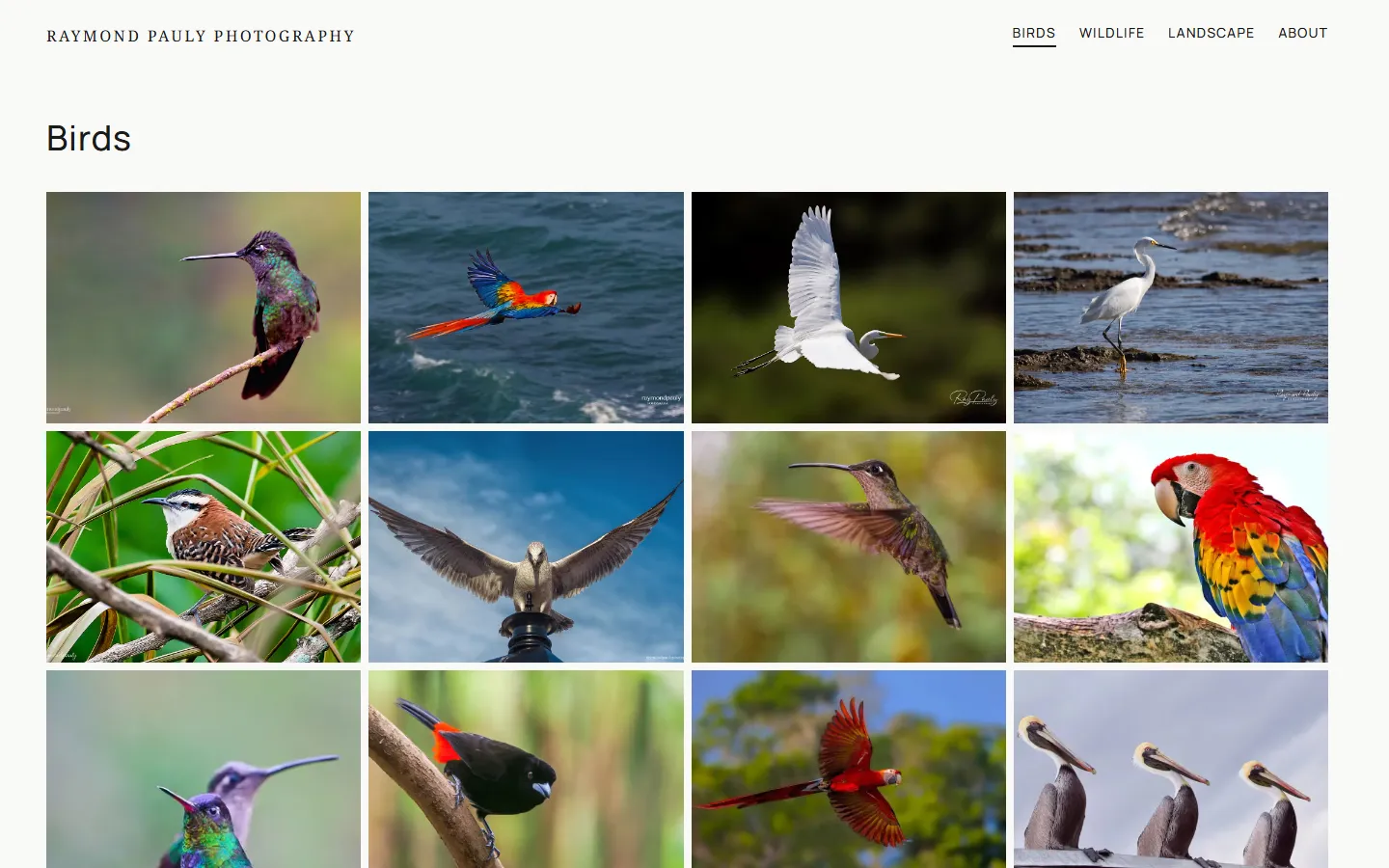
The homepage opens with a masonry grid of featured photos, so a visitor sees Ray's best work immediately. Ray flags which photos appear there himself, and the masonry layout sizes them unevenly, so the page stays varied the whole way down. His albums are the site's navigation, one click from any page.
We set the ground as a warm off-white and the type near black, and left accent colour out of the palette entirely, so the only colour anywhere on the site comes from the photos. Each one is served at the full resolution a visitor's screen can use.
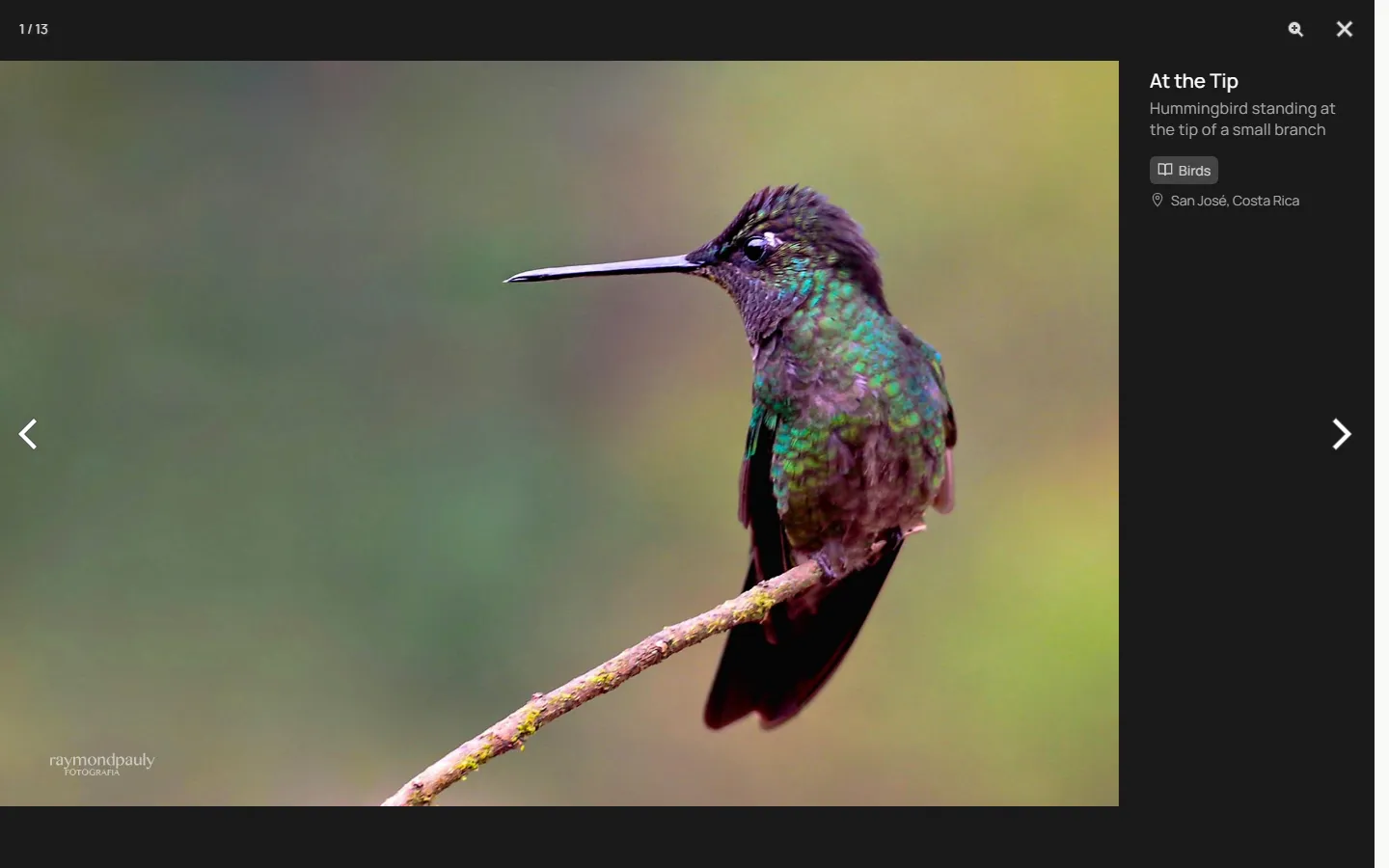
Opening a photo brings up a panel of information about it. Ray types the title, description and category, and the rest is read out of the file's EXIF data: the camera and its settings, and the place the photo was taken.
Ray publishes from a Sanity Studio that holds the site settings, the albums, and the order of the homepage grid, which he sets by dragging photos around. He can put new work up whenever he wants.